 DBCamby Digibus
The CCTV tester that fits in your laptop and your phone.
On a site without Internet, with a switch, an access point and RJ45 cables: DBCam finds the recorder, opens the cameras and sets everything up, whatever the brand.
Free trial: 1 month or 3 configurations, whichever comes first, per device.
The field problem
No connection, no tester at hand, a recorder at an unknown IP address and different software for every brand. Result: hours lost on every site.
The DBCam solution
One tool for every brand, on the laptop plugged into the switch or on the phone on the access point Wi-Fi.
Features
Automatic detection
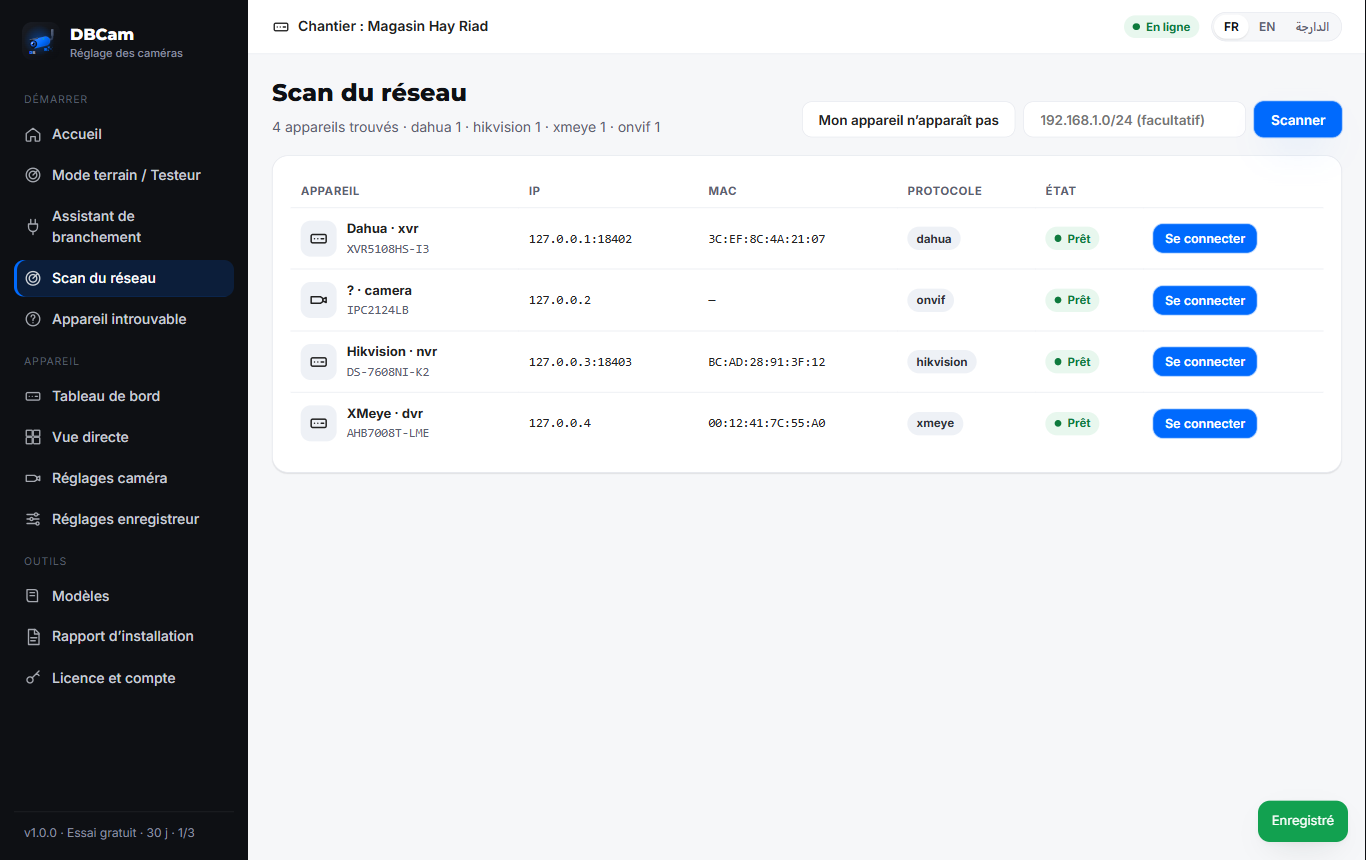
ONVIF, Dahua, Hikvision, XMeye and port scan: the recorder shows up even at an unknown IP.
No DHCP? No problem
Temporary IP on the PC, guided manual IP or a site mini DHCP server.
Live view
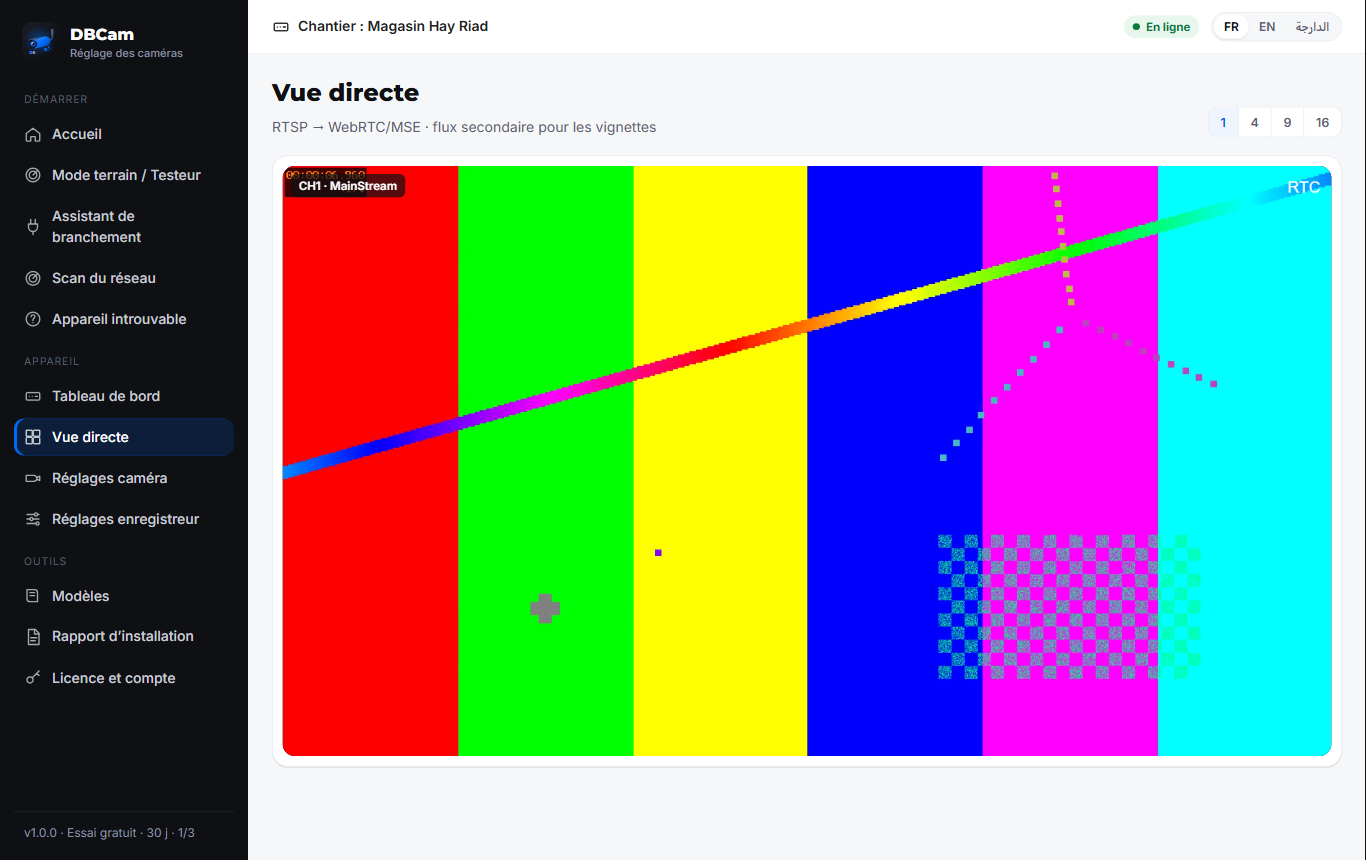
1, 4, 9 and 16 camera grids; native RTSP playback on Android.
All settings
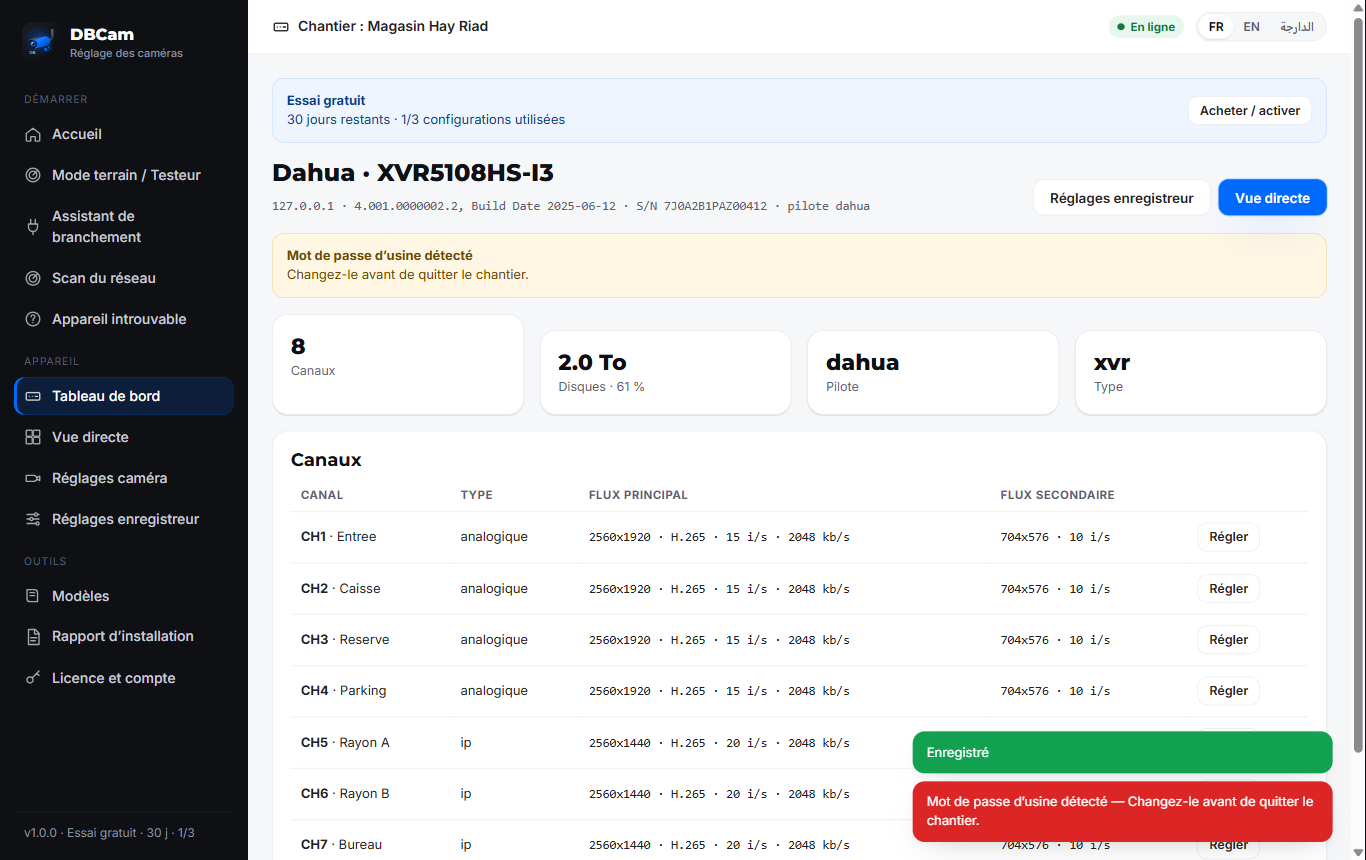
Encoding, image, name, network, time, users, disks, motion — and copy to several channels.
Security
Factory password warning; credentials encrypted on the device, never sent.
PDF report
Installation report for your customer: devices, IP plan, settings, log and CNDP reminder.
Screenshots
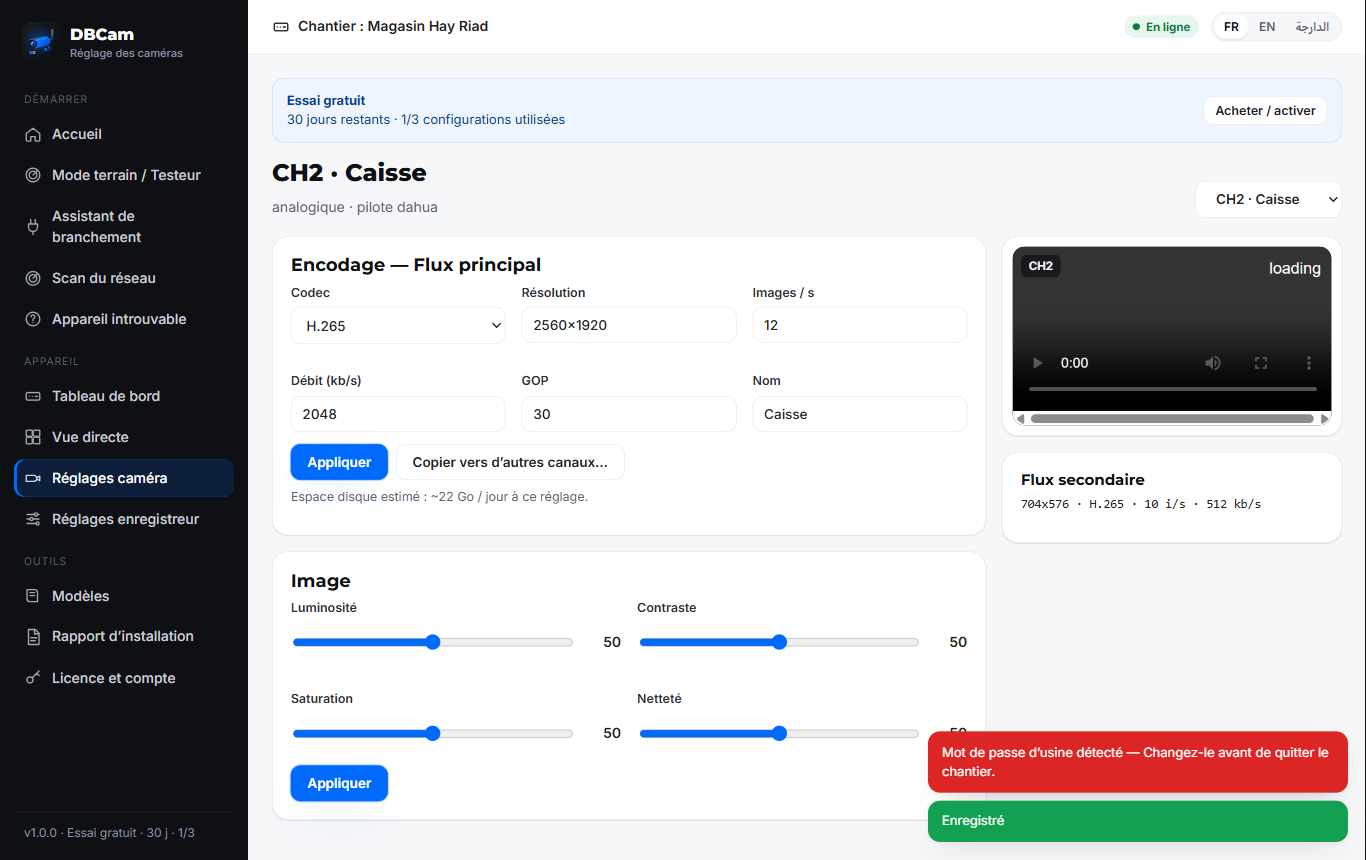
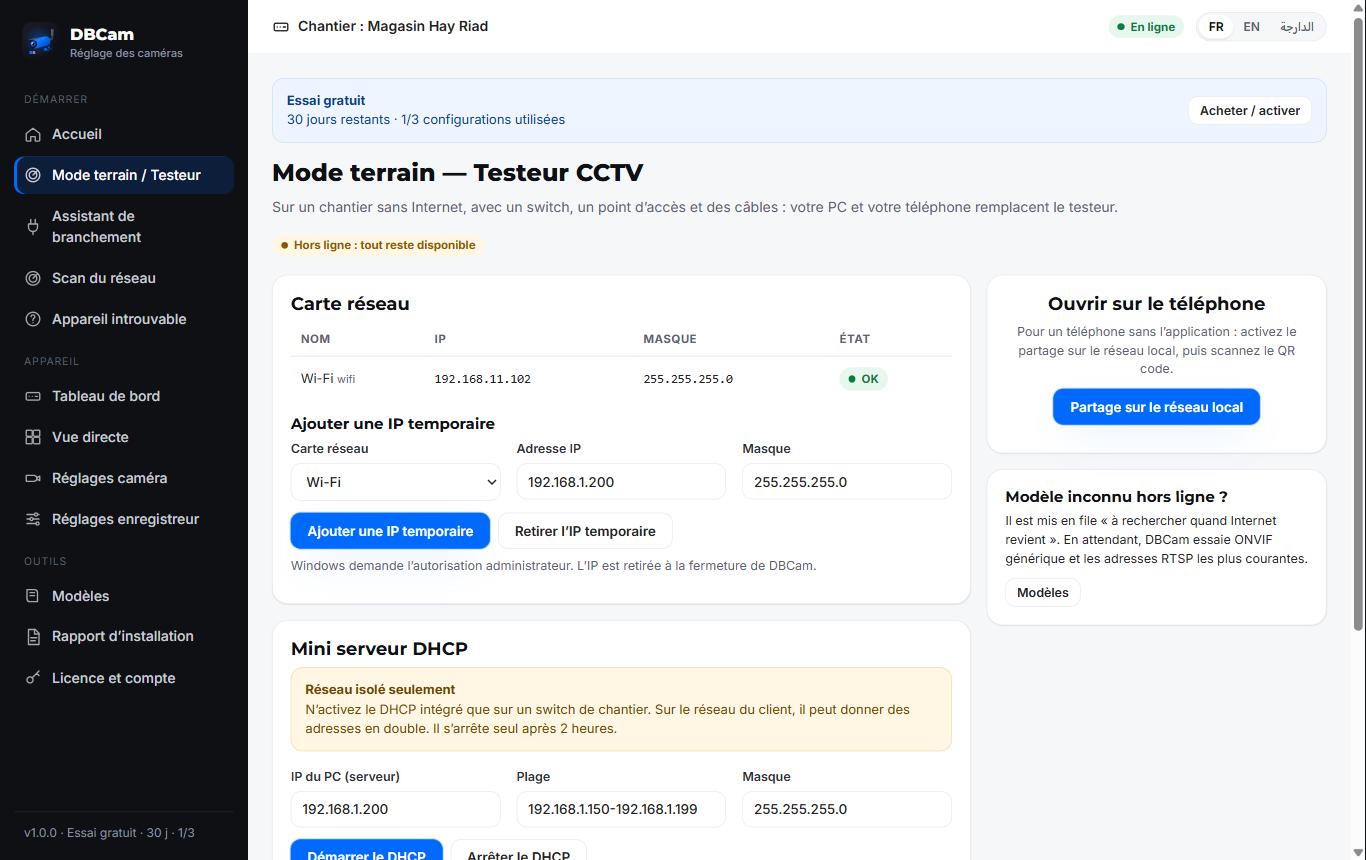
Supported brands
ONVIF (profils S, T, G) · Dahua · Hikvision · XMeye / Xiongmai · Uniview · TVT · Tiandy · Hanwha · Axis · and white labels
Names in text only, to describe compatibility.
Two simple plans
Full licence
Paid once, valid for life. Updates included for 1 year.
Price to come
Annual subscription
Renewed yearly, updates included. At expiry: 15 days grace, then limited mode, no data lost.
Price to come
Free trial: 1 month or 3 configurations, whichever comes first, per device.
FAQ
Do I need Internet on site?
No. Detection, sign-in, live view, settings and report work offline. Internet is only for updates, catalogue and licence (valid offline).
Which brands?
Any ONVIF camera or recorder, plus full Dahua and Hikvision drivers. XMeye, Uniview, TVT, Tiandy, Hanwha and Axis via ONVIF.
How does the trial work?
Free trial: 1 month or 3 configurations, whichever comes first, per device. Afterwards: detection and live view still work, settings require a licence.
Where to download?
In your area, after creating your account: Windows .exe, Android APK, guides and activation code.
My data?
Device passwords stay encrypted on your PC or phone. No image is sent to Digibus.